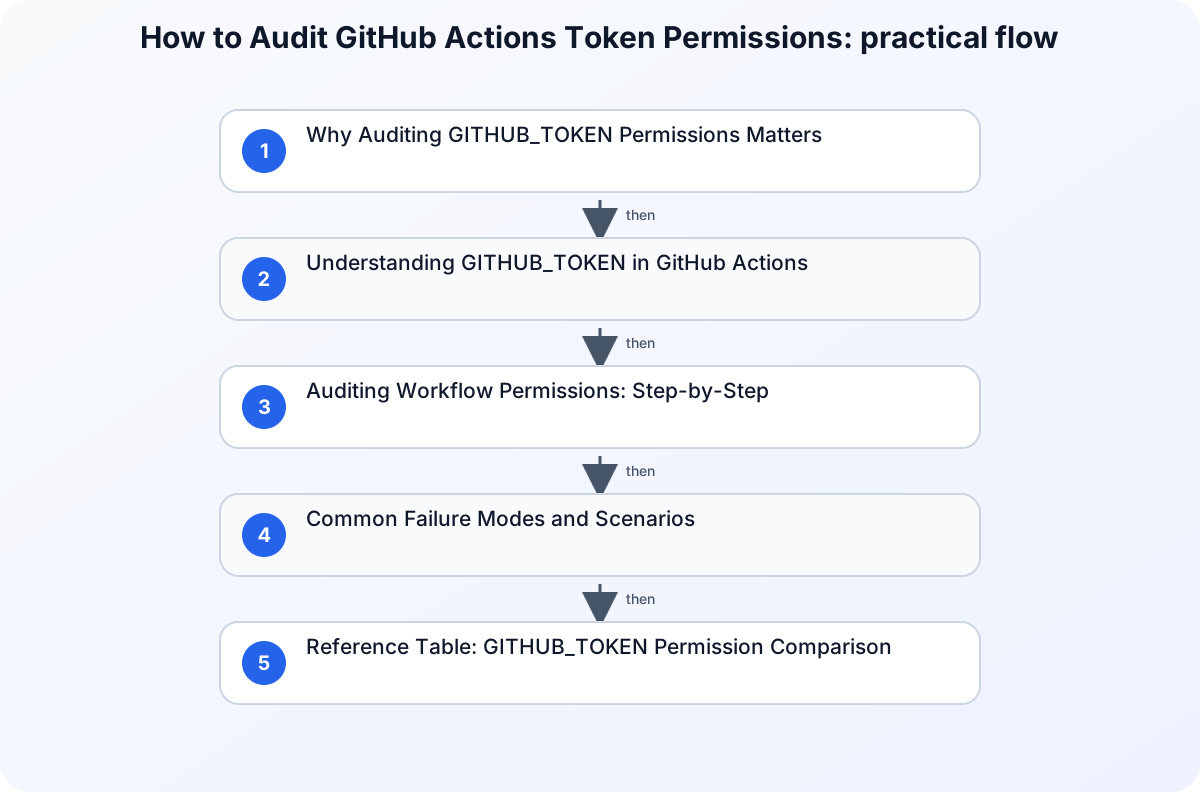
Why Auditing GITHUB_TOKEN Permissions Matters
If your team relies on GitHub Actions for CI/CD, automation, or repository management, the GITHUB_TOKEN is central to workflow security. By default, this token grants broad permissions for repository actions. Overly permissive tokens can expose your codebase to accidental leaks, privilege escalation, or malicious actions. Auditing and minimizing GITHUB_TOKEN permissions is essential for anyone responsible for secure automation, especially in environments with sensitive data or compliance requirements.
The direct answer: Review your workflow files, explicitly set token permissions using the permissions key, and restrict access to only what each job or step requires. This reduces attack surface and aligns with the principle of least privilege.
Understanding GITHUB_TOKEN in GitHub Actions
The GITHUB_TOKEN is an automatically generated secret available to every workflow run. It allows actions and jobs to authenticate with the GitHub API, perform repository operations, and interact with issues, pull requests, and more. By default, its permissions may be broad, depending on repository settings and workflow configuration.
How GITHUB_TOKEN Is Used
- Referenced as
${{ secrets.GITHUB_TOKEN }}or via thegithub.tokencontext. - Passed to actions requiring authentication (e.g., GitHub CLI, API calls).
- Used implicitly by many third-party actions.
Example:
jobs:
  open-issue:
    runs-on: ubuntu-latest
    permissions:
      contents: read
      issues: write
    steps:
      - run: |
          gh issue --repo ${{ github.repository }} \
            create --title "Issue title" --body "Issue body"
        env:
          GH_TOKEN: ${{ secrets.GITHUB_TOKEN }}
This job grants only read access to repository contents and write access to issues, minimizing unnecessary privileges.
Auditing Workflow Permissions: Step-by-Step
1. Inventory Your Workflows
Start by listing all workflow files in .github/workflows/. Review each for:
- Use of GITHUB_TOKEN
- Implicit permissions (missing
permissionskey) - Actions that require elevated privileges
2. Analyze Permissions Required by Each Job
For every job, determine what GitHub API scopes are needed. Typical scopes include:
contents: read/write repository filesissues: read/write issuespull-requests: manage PRsactions: manage workflow runs
If a job only needs to read repository contents, set:
permissions:
  contents: read
3. Explicitly Set Permissions in Workflow YAML
Add the permissions key at the workflow or job level. By default, if you omit permissions, GitHub may grant more access than necessary.
Best Practice: Set the default to minimal permissions, then elevate only for jobs that require it.
permissions:
  contents: read
Then, for a specific job:
jobs:
  deploy:
    permissions:
      contents: write
      actions: write
4. Review Third-Party Actions
Many actions request GITHUB_TOKEN implicitly. Check their documentation and source code to verify what permissions they need. If possible, fork or replace actions that require excessive privileges.
5. Test and Monitor Workflow Runs
After tightening permissions, run workflows and observe failures. Typical errors include:
- “Resource not accessible by integration” (insufficient token scope)
- API errors due to missing permissions
Adjust permissions incrementally, granting only what’s needed for successful execution.
Common Failure Modes and Scenarios
Scenario 1: Overly Broad Permissions
A workflow grants contents: write and actions: write globally, but only one job needs write access. If a compromised action runs in another job, it can modify repository files or trigger workflows maliciously.
Scenario 2: Missing Permissions
After restricting permissions, a job fails with:
Error: Resource not accessible by integration
This signals that the GITHUB_TOKEN lacks the required scope. Audit the job’s needs and adjust permissions accordingly.
Scenario 3: Third-Party Actions with Hidden Requirements
A third-party action uses the GITHUB_TOKEN internally but does not document its required scopes. If permissions are too restrictive, the action fails silently or logs unclear errors. Always review source or documentation, and prefer actions with clear permission requirements.
Reference Table: GITHUB_TOKEN Permission Comparison
| Permission Scope | Typical Use Case | Risk Level | Example Setting |
|---|---|---|---|
| contents: read | Fetch repo files, build | Low | permissions: contents: read |
| contents: write | Push code, update files | High | permissions: contents: write |
| issues: write | Create/update issues | Medium | permissions: issues: write |
| actions: write | Manage workflow runs | High | permissions: actions: write |
| pull-requests: write | Create/update PRs | Medium | permissions: pull-requests: write |
Security Best Practices for GITHUB_TOKEN
- Principle of Least Privilege: Grant only the minimum permissions required for each job (see Zero Trust principles).
- Explicit Permissions: Always set the
permissionskey. Avoid relying on defaults. - Sensitive Data Masking: Never expose GITHUB_TOKEN or other secrets in logs. Use
::add-mask::VALUEfor non-secret sensitive values. - Review Access Control: Anyone with repository write access can read all secrets. Limit repository access and audit user permissions regularly.
- Monitor Workflow Runs: Use audit logs and workflow run logs to detect suspicious activity or failed permission checks.
Common Mistakes to Avoid
- Omitting the
permissionskey, leading to broad default access. - Granting write permissions globally when only a single job needs it.
- Using third-party actions without reviewing their permission requirements.
- Storing sensitive values as plaintext in workflow files.
Final Checklist for Auditing GITHUB_TOKEN Permissions
- Inventory workflows: List all
.github/workflows/*.ymlfiles. - Review each job: Identify required GitHub API scopes.
- Set explicit permissions: Use the
permissionskey at workflow/job level. - Test workflows: Confirm jobs run with minimal permissions.
- Monitor logs: Watch for permission-related errors.
- Audit third-party actions: Check their documentation and source for permission needs.
- Mask sensitive data: Use GitHub’s masking features for non-secret values.
- Review repository access: Limit who can read secrets.
Conclusion
Auditing and minimizing GITHUB_TOKEN permissions in GitHub Actions is a practical, ongoing process. By explicitly setting permissions, reviewing job requirements, and monitoring workflow runs, you reduce risk and align with security best practices. This approach not only protects your automation but also supports compliance and operational integrity. For broader security context, see Zero Trust Explained With Real-World Examples and SIEM vs XDR vs SOAR.
Related guidance
- SIEM vs XDR vs SOAR: What They Do and When to Use Each — supporting reference.