Before a single packet reaches your application, it has to traverse an enormous amount of physical and logical infrastructure. Understanding that infrastructure - from the cable plugged into your wall to the backbone routers of your ISP - isn’t just interesting trivia. It shapes how you design networks, troubleshoot outages, and think about availability and reliability in a security context.
This guide covers how internet connectivity is delivered and the physical cabling technologies that underpin modern networks.
Reading path: Start with the mental model, follow the worked request or packet examples, and finish with the troubleshooting or memory guide.
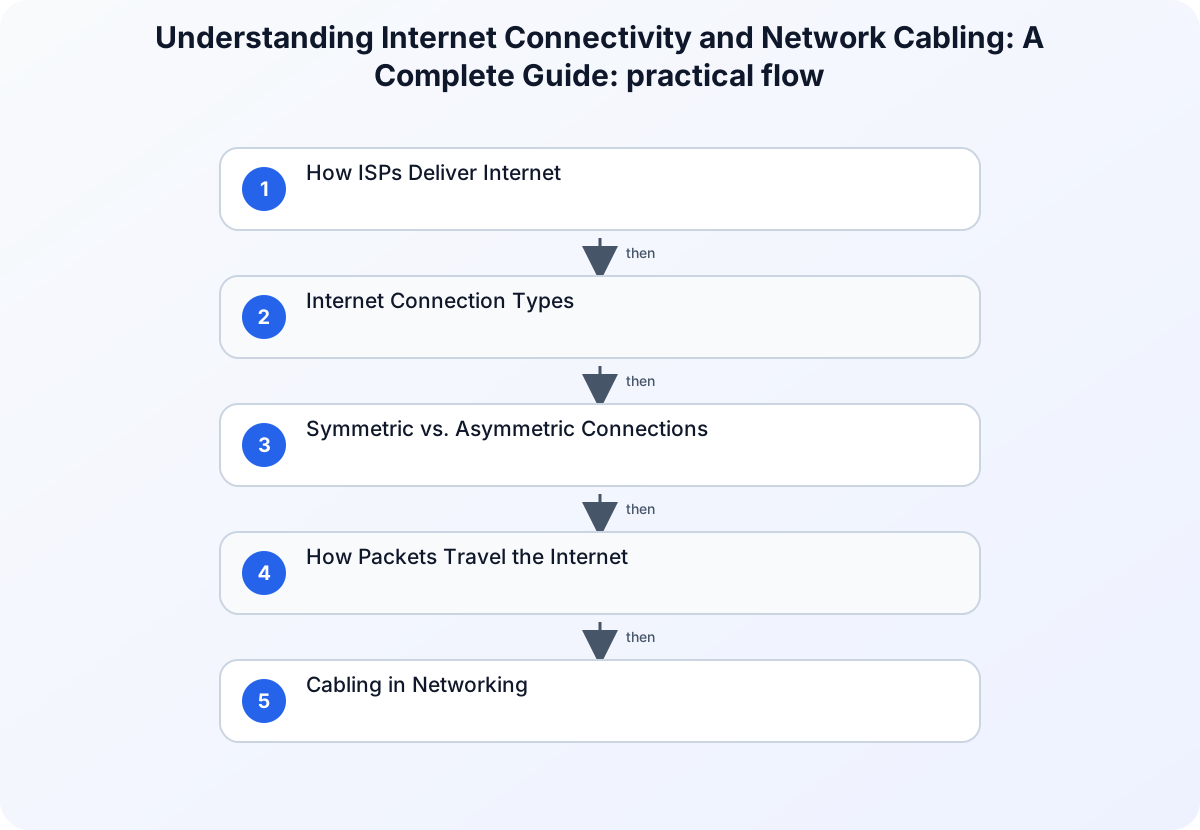
How ISPs Deliver Internet
Your home router doesn’t connect directly to the internet - it connects to your ISP’s nearest Point of Presence (POP).
Point of Presence (POP)
A POP is an ISP’s local access hub. It typically contains:
- High-performance routers and switches
- Authentication and session management servers
- Traffic shaping and QoS equipment
- Access equipment: DSLAMs (for DSL), CMTSes (for cable), OLTs (for fiber)
Every time you browse the web, your traffic flows from your router to the nearest POP, then onto the ISP’s backbone.
ISP Backbone Networks
Between POPs, ISPs run high-capacity fiber links carrying traffic for millions of users simultaneously. Backbone routers use protocols like BGP (Border Gateway Protocol) to exchange routing information between ISPs and dynamically reroute around failures.
Internet Connection Types
Not all connections are created equal. The technology delivering your internet determines your speed ceiling, latency floor, and reliability characteristics.
DSL (Digital Subscriber Line)
Uses existing telephone copper. Speed degrades sharply with distance from the DSLAM - a user 500m from the cabinet gets very different throughput than one 3km away. ADSL is asymmetric (download » upload); VDSL offers higher symmetric speeds.
Cable Internet
Rides coaxial cable originally built for cable TV. Uses CMTS (Cable Modem Termination System) at the head end. Bandwidth is shared among neighbors on the same segment - which is why cable speeds can degrade during peak hours.
Fiber Optic
Light pulses through glass fiber. Immune to electromagnetic interference, offers the highest bandwidth and lowest latency of any wireline technology. FTTH (Fiber to the Home) eliminates copper entirely. FTTC (Fiber to the Cabinet) still has a copper “last mile.”
Satellite
The only viable option for truly remote locations. Modern LEO (Low Earth Orbit) constellations like Starlink have dramatically reduced latency compared to GEO satellites (~600ms round-trip → ~20–40ms), though weather and line-of-sight still affect performance.
Mobile / Fixed Wireless (4G, 5G)
Increasingly used for both mobile and fixed home internet. 5G mmWave delivers gigabit speeds but with very limited range; sub-6 GHz 5G balances coverage and throughput.
Symmetric vs. Asymmetric Connections
| Type | Characteristic | Best For |
|---|---|---|
| Asymmetric | Download » Upload (ADSL, cable) | Streaming, browsing, general use |
| Symmetric | Upload = Download (fiber, leased lines) | Servers, VPNs, backups, cloud storage |
For sysadmins and developers: if you’re hosting services or running VPNs from your location, symmetric bandwidth matters. Asymmetric connections will bottleneck your upload-heavy workloads.
How Packets Travel the Internet
Data doesn’t flow as a continuous stream - it’s broken into IP packets and routed independently across the network. Each router along the path makes a forwarding decision based on the destination IP and its routing table.
Two essential diagnostic tools for tracing this path:
ping - Sends ICMP Echo Requests and measures round-trip time. Tells you whether a destination is reachable.
ping 8.8.8.8
# ICMP echo request → response latency in ms
traceroute / tracert - Maps every router hop between you and the destination, with latency at each step.
traceroute 8.8.8.8
# Shows each hop, its IP, and latency
These tools are indispensable for diagnosing network issues - and for understanding the routing path in security assessments.
Cabling in Networking
The physical layer is often overlooked until something breaks. Understanding cable types and their limitations helps you design reliable infrastructure and troubleshoot physical-layer problems.
Twisted-Pair Cables (Ethernet)
The most common cable in LAN environments. Pairs of copper conductors are twisted together to cancel out electromagnetic interference (crosstalk).
Types:
- UTP (Unshielded Twisted Pair) - Standard for office and home use
- STP/ScTP (Shielded Twisted Pair) - Used in high-EMI environments (factories, elevator shafts, near power lines)
Categories:
| Category | Max Speed | Max Distance | Common Use |
|---|---|---|---|
| CAT5e | 1 Gbps | 100m | Home/office networks |
| CAT6 | 10 Gbps | 55m (10G) / 100m (1G) | High-performance LANs |
| CAT6A | 10 Gbps | 100m | Data centers, structured cabling |
| CAT8 | 25–40 Gbps | 30m | Data center top-of-rack |
Connectors: RJ-45 plugs, wired to either T568A or T568B standard.
Cable types:
- Straight-through - connects different device types (PC to switch, switch to router)
- Crossover - connects like device types (switch to switch). Modern switches support Auto-MDI/MDIX, eliminating the need to think about this.
Coaxial Cables
A central conductor surrounded by insulation, a braided shield, and an outer jacket. Originally dominant in LANs (10Base2, 10Base5), coax has largely been replaced by twisted-pair in most LAN environments but remains relevant for:
The key items here are Cable internet (DOCSIS modems), Cable television distribution, RF and antenna connections, and CCTV systems.
The shielding gives coax excellent noise immunity - why it’s still used where interference is a concern.
Fiber-Optic Cables
Fiber transmits data as pulses of light through a glass or plastic core. No electromagnetic interference. No signal degradation from nearby power lines. Capable of transmitting over long distances at extremely high bandwidths.
Single-Mode Fiber (SMF):
The key items here are Very thin core (~9 µm), Laser light source, Distances: 10km–100km+, and Used for: WAN links, ISP backbones, long campus runs.
Multi-Mode Fiber (MMF):
- Wider core (50 or 62.5 µm)
- LED light source
- Distances: up to 550m (OM4) or 2km (OM5)
- Used for: data center interconnects, server rooms, short campus links
Fiber is immune to the electromagnetic attacks that affect copper - you can’t tap a fiber cable with an inductive tap the way you can copper. That said, physical fiber taps do exist, used in intelligence operations.
Structured Cabling Best Practices
Properly installed cabling is the foundation of a reliable network. Cutting corners here creates problems that are expensive and time-consuming to diagnose later.
- Follow ANSI/TIA-568 standards for cable installation
- Respect 100m maximum run length for copper twisted-pair
- Keep cables away from EMI sources (fluorescent lights, motors, power conduits)
- Label every cable at both ends - unlabeled cables become archaeological mysteries
- Use patch panels for organized cable management
- Avoid excessive untwisting at termination points (causes crosstalk)
- Test cables after termination - always
Testing tools:
- Basic cable tester - checks for opens, shorts, miswiring, and reversed pairs
- Certification tester (Fluke DSX, etc.) - measures crosstalk (NEXT/FEXT), attenuation, return loss, and certifies against CAT5e/CAT6/CAT6A standards
The most common installation errors: incorrect pair untwisting at termination, split pairs, and exceeding bend radius limits.
Summary
Understanding how connectivity is delivered - from ISP backbone to your patch panel - gives you the mental model to design better networks and diagnose problems faster. Fiber vs. copper, symmetric vs. asymmetric, SMF vs. MMF: these aren’t just vocabulary words. They’re decisions that determine the performance, reliability, and security posture of every network you build or manage.