Every device on the internet speaks one language at the network layer: IP. Whether a packet travels from your browser to a web server around the world, or bounces between two VMs inside a private data center, the Internet Protocol is what makes routing possible. It’s also, by no coincidence, one of the most exploited protocol layers in cybersecurity - from IP spoofing to DHCP starvation attacks.
This guide takes you through the mechanics of IPv4 addressing, subnetting, DHCP, and NAT. No hand-waving. Just the internals.
Reading path: Start with the mental model, follow the worked request or packet examples, and finish with the troubleshooting or memory guide.
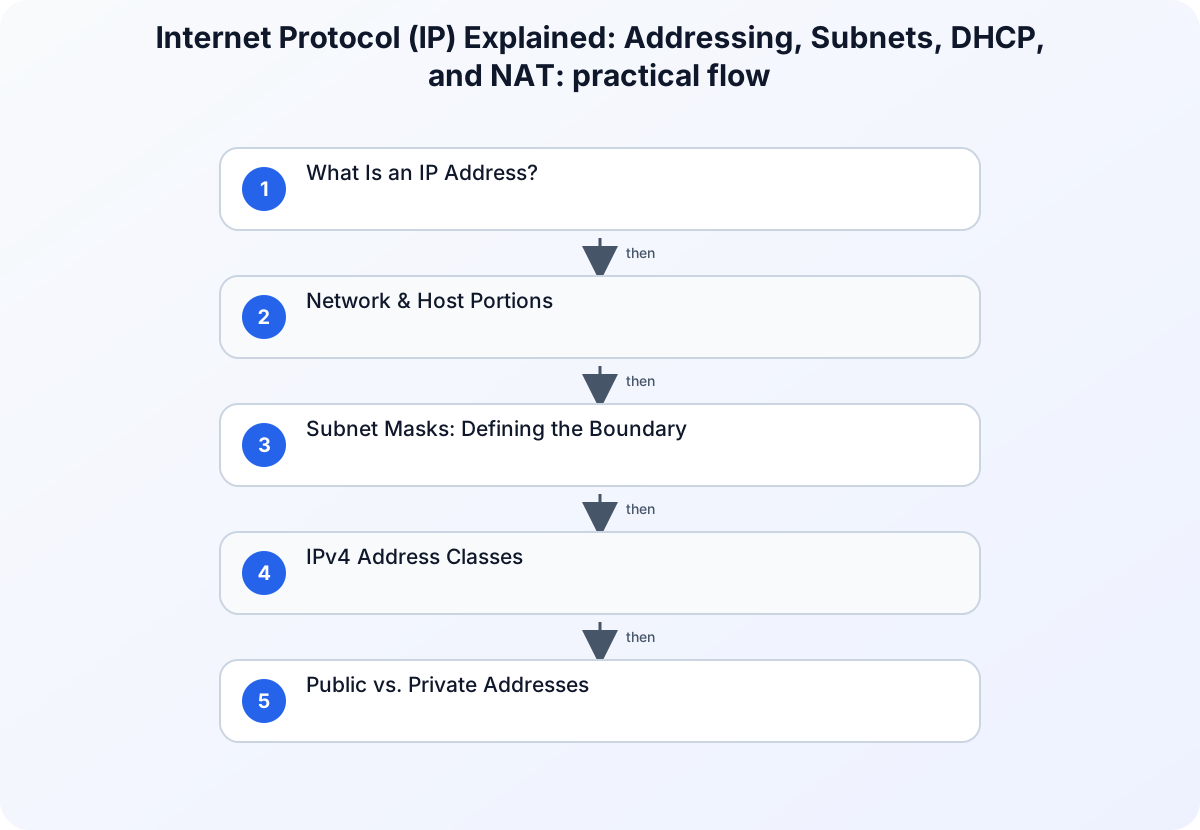
What Is an IP Address?
An IP address is a logical identifier assigned to a network interface. Unlike a MAC address (which is hardware-bound), IP addresses are logical - assigned by software, routable across networks, and hierarchical by design.
At the network layer, IP ensures:
- Packets reach the correct destination
- Routing decisions are made hop-by-hop
- Responses can find their way back to the sender
IPv4 Address Structure
IPv4 addresses are 32-bit binary numbers, written in dotted-decimal notation for human readability:
192.168.1.5 → 11000000.10101000.00000001.00000101
Each octet (8-bit group) ranges from 0 to 255, giving IPv4 a theoretical address space of ~4.3 billion unique addresses. In practice, much of that space is reserved, multicast, or private - which is exactly why NAT and IPv6 exist.
Network & Host Portions
An IPv4 address is split into two parts:
- Network portion - identifies which network the device belongs to
- Host portion - identifies which device within that network
With a /24-style boundary, the first three octets identify the network (192.168.18) and the final octet identifies the host (57).
Routers use only the network portion to make forwarding decisions. This hierarchical design is what makes the internet scalable: routers don’t need to know about individual hosts, only about network prefixes.
Think of it like a postal system: country → city → street → house number.
Subnet Masks: Defining the Boundary
An IP address alone doesn’t tell a device where the network portion ends and the host portion begins. That’s the job of the subnet mask.
| CIDR | Dotted-Decimal | Network Bits | Host Bits |
|---|---|---|---|
/8 |
255.0.0.0 |
8 | 24 |
/16 |
255.255.0.0 |
16 | 16 |
/24 |
255.255.255.0 |
24 | 8 |
The 1 bits in the mask indicate the network portion; the 0 bits mark the host range.
Subnetting in Practice
Given IP 192.168.1.5 with mask 255.255.255.0 (/24):
| Address | Example |
|---|---|
| Network address | 192.168.1.0 |
| Broadcast address | 192.168.1.255 |
| Usable host range | 192.168.1.1 – 192.168.1.254 |
The formula for usable hosts: 2^(host bits) − 2
A /24 subnet → 8 host bits → 2^8 - 2 = 254 usable addresses.
In penetration testing and network audits, subnetting is critical. Knowing a target’s subnet reveals the full scope of its local network - helping you map hosts, identify gateways, and understand segmentation.
IPv4 Address Classes
Before CIDR (Classless Inter-Domain Routing), IPv4 used a rigid class system:
| Class | First Octet Range | Default Mask | Typical Use |
|---|---|---|---|
| A | 1–126 | /8 | Large enterprises |
| B | 128–191 | /16 | Medium networks |
| C | 192–223 | /24 | Small networks |
| D | 224–239 | - | Multicast |
| E | 240–255 | - | Experimental |
Examples:
15.4.234.12→ Class A150.110.12.50→ Class B200.14.193.67→ Class C
Modern networks use CIDR to allocate address space more efficiently, but understanding classes remains relevant for reading legacy documentation and older firewall rules.
Public vs. Private Addresses
Not every IP address is routable on the public internet. RFC 1918 defines private ranges reserved for internal use:
| Range | CIDR | Class |
|---|---|---|
| 10.0.0.0 | /8 | A |
| 172.16.0.0–172.31.255.255 | /12 | B |
| 192.168.0.0 | /16 | C |
Private addresses:
- Are not globally unique - your
192.168.1.1is also someone else’s - Are not routed on the public internet
- Add a layer of obscurity (though not real security)
- Enable thousands of devices to share a single public IP via NAT
Loopback: 127.0.0.0/8 (commonly 127.0.0.1) routes traffic back to the same host. Useful for local testing and IPC.
From a security standpoint, private RFC 1918 ranges are common targets in internal network pentests. Scanning 10.0.0.0/8 is a legitimate recon step in authorized red team engagements.
Unicast, Broadcast, and Multicast
IP supports three communication models:
Unicast - one sender, one receiver. The standard mode for most traffic (HTTP, SSH, DNS).
Broadcast - one sender, all devices on the local network receive it.
- Broadcast address for
/24:192.168.1.255 - Used by: ARP, DHCP Discover
- Broadcasts don’t cross router boundaries - this is a design feature, not a limitation
Multicast - one sender, a group of interested receivers.
- Address range:
224.0.0.0 – 239.255.255.255 - Used by: live video streaming, OSPF routing (224.0.0.5), video conferencing
- Corresponding multicast MACs start with:
01-00-5E
DHCP: Dynamic Address Assignment
Most devices get their IP address automatically via DHCP (Dynamic Host Configuration Protocol). The process follows a four-step handshake known as DORA:
| Message | Direction | Purpose |
|---|---|---|
| DHCPDISCOVER | Client → server | Find an available DHCP server |
| DHCPOFFER | Server → client | Offer an address such as 192.168.1.42 |
| DHCPREQUEST | Client → server | Request the offered address |
| DHCPACK | Server → client | Confirm the lease and its duration |
DHCP leases are temporary. When a lease expires, the client must renew or acquire a new address.
What DHCP provides:
The key items here are IP address, Subnet mask, Default gateway, DNS server(s), and Lease duration.
DHCP starvation is a common Layer 2 attack: an attacker floods a DHCP server with fake requests, exhausting its address pool. Legitimate clients then can’t get addresses. DHCP snooping on managed switches mitigates this.
Static vs. Dynamic Assignment
| Approach | Use Case | Pros | Cons |
|---|---|---|---|
| Static | Servers, printers, infrastructure | Predictable, reliable | Manual, error-prone at scale |
| DHCP | Workstations, mobile devices | Scalable, automatic | Addresses can change |
NAT: Network Address Translation
Since private IPs can’t be routed on the internet, NAT translates them to a public IP at the router boundary.
NAT can translate a private flow such as 192.168.1.10:54321 through the router’s public address before it reaches 93.184.216.34:80.
Why NAT matters:
- Conserves the exhausted IPv4 public address space
- Hides internal topology from external observers
- Creates an implicit firewall (unrequested inbound connections are dropped)
NAT is not a security control - it’s an address-conservation mechanism that incidentally provides some obscurity. Do not rely on it as your sole perimeter defense.
Gateways & Network Boundaries
A default gateway is the router interface that handles traffic destined for other networks. Hosts that don’t know how to reach a destination send their packets to the gateway and let it figure out the path.
A private host such as 192.168.1.10 sends traffic to its default gateway, for example 192.168.1.1; the router then uses its public WAN address, such as 203.0.113.5, to reach the internet.
The gateway address is assigned either statically by an admin or automatically via DHCP.
Calculate a subnet with Python
Python’s standard ipaddress module can make network, host, and broadcast boundaries explicit without contacting the network:
from ipaddress import ip_interface

interface = ip_interface("192.0.2.34/27")
network = interface.network

print("address:", interface.ip)
print("network:", network.network_address)
print("broadcast:", network.broadcast_address)
print("usable hosts:", network.num_addresses - 2)
print("contains 192.0.2.50:", interface.ip.__class__("192.0.2.50") in network)
The subtraction of two reflects conventional IPv4 network and broadcast reservations; point-to-point and IPv6 addressing require different assumptions.
Conclusion
IPv4 addressing isn’t just networking trivia - it’s the foundation of every connected system you’ll encounter in IT, system administration, and cybersecurity. Subnetting determines network scope. DHCP manages address assignment at scale. NAT keeps private networks connected to the public internet. And understanding all of it is the first step toward understanding how attackers think about networks.
As IPv6 adoption continues to grow, these IPv4 fundamentals don’t become obsolete - they become the baseline you compare everything else against.