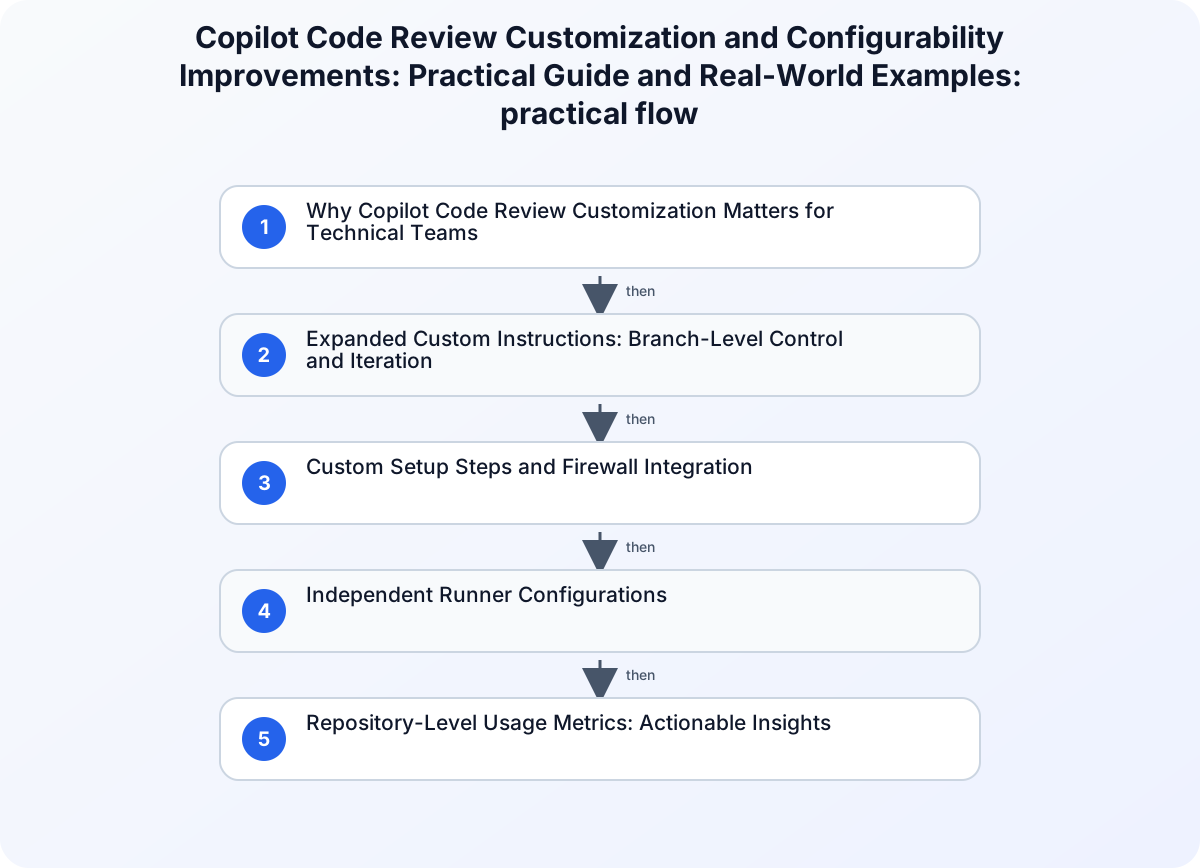
Why Copilot Code Review Customization Matters for Technical Teams
Technical teams face a recurring challenge: how to tailor code review automation to their unique workflows, security requirements, and evolving project standards. Until recently, Copilot code review offered limited flexibility, often requiring merged changes or organization-wide settings to test new review behaviors. With the July 2026 improvements, teams gain granular control over Copilot’s review process, including branch-specific instructions, custom setup steps, firewall integration, and detailed repository-level metrics. This guide explains how these features work, how to implement them, and what they change for engineering organizations seeking practical, actionable automation.
Expanded Custom Instructions: Branch-Level Control and Iteration
One of the most impactful changes is Copilot code review’s ability to read custom instructions directly from the head branch of a pull request. Previously, instructions such as copilot-instructions.md or AGENTS.md had to be merged into the base branch before Copilot would recognize them—making iterative testing difficult and slowing down experimentation.
How Branch-Level Instructions Work
When a developer opens a pull request, Copilot now scans the head branch for instruction files:
copilot-instructions.md*.instructions.mdREVIEW.mdAGENTS.md
This means you can:
- Test new review behaviors in a feature branch without affecting the main branch.
- Validate instruction changes before merging.
- Iterate on agent skills or review criteria in isolation.
Example:
Suppose your team wants Copilot to flag usage of deprecated APIs in a new feature. You add the following to copilot-instructions.md in your branch:
## Custom Review Criteria
- Flag any usage of `legacyApi()` as deprecated.
- Suggest migration to `newApi()`.
When Copilot reviews the pull request, it applies these instructions—even though they aren’t merged into the main branch. If you refine the instructions, simply update the file and rerun the review.
Reference Table: Custom Instruction File Support
| Instruction File | Location Read From | Use Case |
|---|---|---|
| copilot-instructions.md | Head branch | Custom review criteria |
| *.instructions.md | Head branch | Specialized agent instructions |
| REVIEW.md | Head branch | Expanded review guidance |
| AGENTS.md | Head branch | Agent skill configuration |
This branch-level flexibility accelerates experimentation and reduces friction for teams adopting new review standards.
Custom Setup Steps and Firewall Integration
Security and environment configuration are critical for enterprise teams. Copilot code review now supports custom setup steps and utilizes a firewall, allowing administrators to define how the review agent runs and what it can access.
Custom Setup Steps
Administrators can specify pre-review setup scripts or environment variables. For example, you might require Copilot to install dependencies, run a linter, or configure access credentials before reviewing code.
Example Setup Script:
#!/bin/bash
export NODE_ENV=production
npm install
npm run lint
This script can be referenced in your runner configuration, ensuring Copilot reviews code in the correct context.
Firewall Support
Copilot code review now utilizes a firewall to restrict network access during review runs. This is especially important for organizations with sensitive codebases or compliance requirements. You can:
- Limit Copilot’s access to internal resources.
- Prevent outbound connections except to approved endpoints.
- Enforce organization-wide security policies.
Scenario:
Your organization requires that Copilot only access code repositories and approved artifact stores. By configuring the firewall, you ensure Copilot cannot connect to external APIs or leak data outside the review environment.
Independent Runner Configurations
Copilot code review supports independent runner configurations, enabling teams to:
- Assign dedicated runners for Copilot reviews.
- Specify hardware, OS, or network constraints.
- Isolate review jobs from other CI/CD tasks.
Practical Example:
A team working on a high-security project configures a runner with restricted network access and specific environment variables. Copilot reviews are executed only on this runner, ensuring compliance and reducing risk.
Repository-Level Usage Metrics: Actionable Insights
The new Copilot usage metrics REST API provides daily, per-repository breakdowns of pull request activity. This includes:
- Pull requests created and merged by Copilot coding agent.
- Pull requests reviewed by Copilot code review.
- Suggestion counts broken down by comment type.
How to Use Metrics for Enablement
With repository-level metrics, engineering leaders can:
- Identify which repositories benefit most from Copilot review automation.
- Target enablement and training efforts where adoption is lagging.
- Track review coverage and suggestion effectiveness.
API Example:
GET /orgs/my-org/copilot/metrics/reports/repos-1-day?day=2026-07-17
The response includes activity for each repository, allowing teams to analyze trends and optimize Copilot deployment.
Comparison Table: Metrics Granularity
| Metric Level | Previous Capability | Current Capability |
|---|---|---|
| Organization/User | Supported | Supported |
| Repository | Not supported | Supported (daily breakdown) |
This granularity is foundational for AI-readiness reporting and targeted enablement.
Real-World Scenarios: Customization in Action
Scenario 1: Iterative Review Criteria
A fintech team wants to enforce stricter review rules for new payment modules. They add payment.instructions.md to their feature branch, specifying:
- Require explicit error handling for all payment operations.
- Flag any use of insecure random number generators.
Copilot applies these rules only to the pull request, allowing the team to refine criteria before merging.
Scenario 2: Security-First Review Environment
A healthcare organization configures Copilot code review runners with firewall restrictions and custom setup steps:
- Runners are isolated from the internet.
- Setup scripts install compliance tools.
- Copilot reviews are executed in a secure enclave.
This setup ensures sensitive code is reviewed in accordance with regulatory requirements.
Scenario 3: Mobile-Driven Review Feedback
Developers using GitHub Mobile can now select “Fix with Copilot” directly from pull request comments. When a reviewer flags an issue, the developer taps the button, and Copilot cloud agent generates a suggested fix—streamlining review cycles, especially when away from the desktop.
Common Mistakes and How to Avoid Them
-
Mistake: Placing custom instruction files only in the base branch.
Solution: Always add instruction files to the head branch for iterative testing. -
Mistake: Not configuring firewall rules, leading to unintended network access during reviews.
Solution: Define explicit firewall policies in runner configuration. -
Mistake: Using generic runners for Copilot reviews, risking environment drift.
Solution: Assign dedicated runners with controlled setup steps and environment variables. -
Mistake: Ignoring repository-level metrics, missing opportunities for targeted enablement.
Solution: Integrate Copilot metrics API into your reporting workflows.
Security Considerations
- Restrict Copilot code review’s access via firewall integration to prevent data exfiltration.
- Validate custom setup steps to ensure no sensitive credentials are exposed.
- Use repository-level metrics to detect anomalous review activity.
Actionable Checklist for Teams
- Place custom instruction files in the head branch for each pull request.
- Define and validate custom setup steps in runner configuration.
- Configure firewall rules to restrict Copilot’s network access.
- Assign dedicated runners for Copilot code review jobs.
- Monitor repository-level metrics to optimize adoption and coverage.
- Test mobile review workflows with “Fix with Copilot” for rapid iteration.
Conclusion: What These Improvements Change for Engineering Teams
Copilot code review’s July 2026 customization and configurability improvements empower technical teams to tailor review automation to their needs. Branch-level instructions accelerate experimentation, firewall and runner controls enforce security, and repository-level metrics unlock actionable insights. By adopting these features, organizations can iterate faster, secure their review environments, and drive targeted enablement—making Copilot code review a more practical and adaptable tool for modern development workflows.
Related guidance
- C# vs Java: A Practical Comparison for 2025 — foundational reference.
- Spring Boot Layered Architecture: Controller, Service, and Repository — supporting reference.